There are dozens of website builders that promise to make your work look amazing. Most were built for shops and restaurants, and a few were actually made for artists. We tried the popular ones and wrote down what each is good at, what it costs and where it gets in the way.
Full disclosure: we make Semirare, one of the platforms on this list. We’ve tried to be fair: every pick below says who it’s really for, including when that isn’t us. Prices are as listed on each company’s website on 28 September 2026 and change often, so check before you buy.
Our quick picks
- Simplest and cheapest for most artists: Semirare
- If you also need a proper online shop: Squarespace
- For photographers who sell prints: Format, or SmugMug for big archives
- For designers who like to experiment: Cargo
- If you already pay for Creative Cloud: Adobe Portfolio
- For traditional painters who want newsletters built in: FASO
- Free, alongside your website: Behance or ArtStation
What actually matters in a portfolio platform
Feature lists are long, and most of it won’t change how your work looks. These six things will:
- How good your work looks. Big images, sharp on every screen, no awkward crops. Look at real sites made with the platform, not just the templates.
- How easy it is. Can you have a finished site in an afternoon? Or will you spend weekends dragging boxes around?
- The real price. The yearly price, with your own domain, after any first-year discount. Monthly billing can cost up to twice as much.
- Your own domain. yourname.com looks professional and keeps your address if you ever move.
- Phones. Most people will see your site on a phone first. Check every layout there.
- Leaving. Can you download your work and data if you switch? You should never be locked in.
The best portfolio platforms for artists, reviewed
1. Semirare: the simplest portfolio for artists
- Best for
- Painters, illustrators, photographers and makers who want a beautiful site without the fuss
- Price
- $6 / month billed yearly, $8 month to month
- Free plan
- Yes, up to 12 works, with your own domain
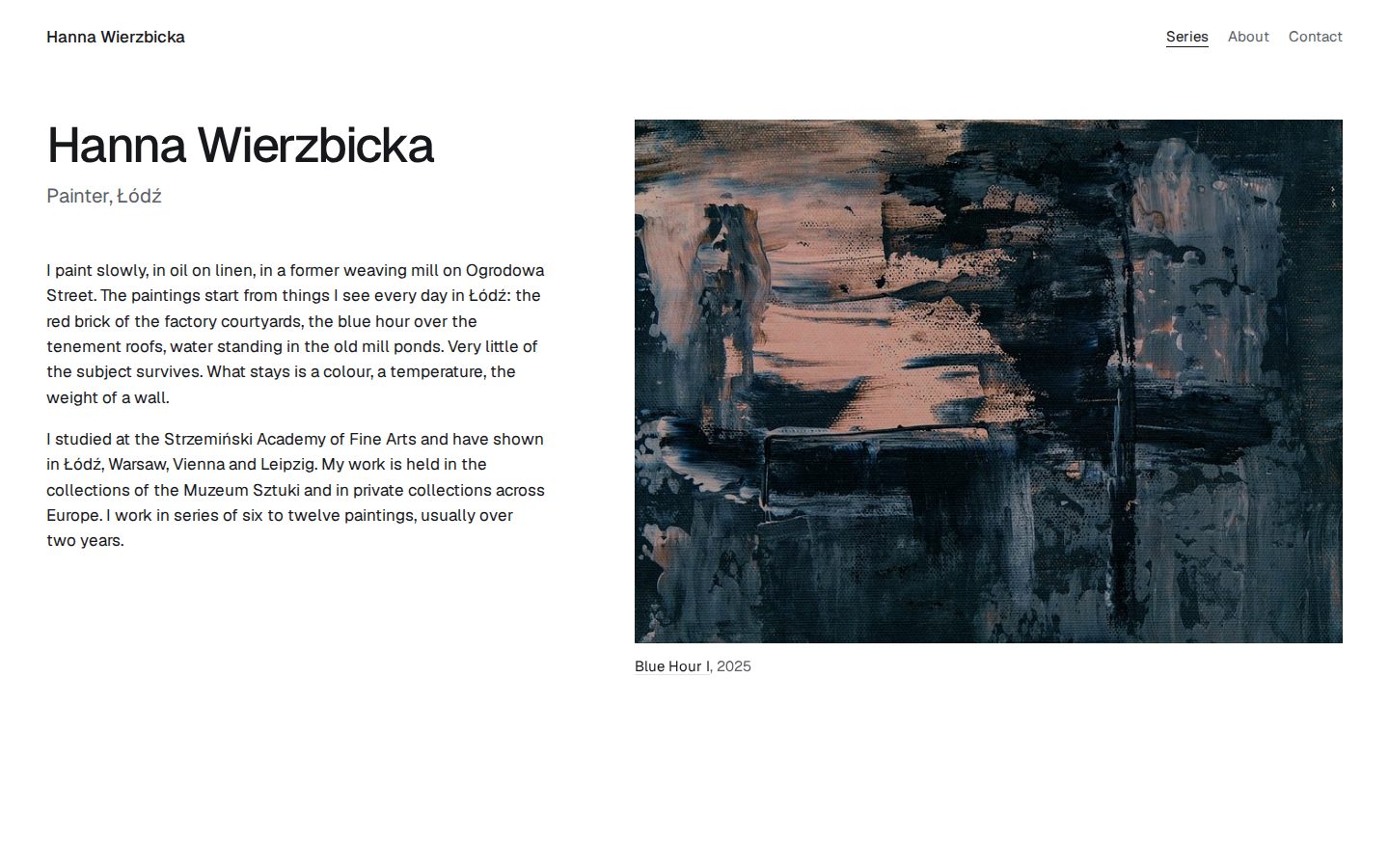
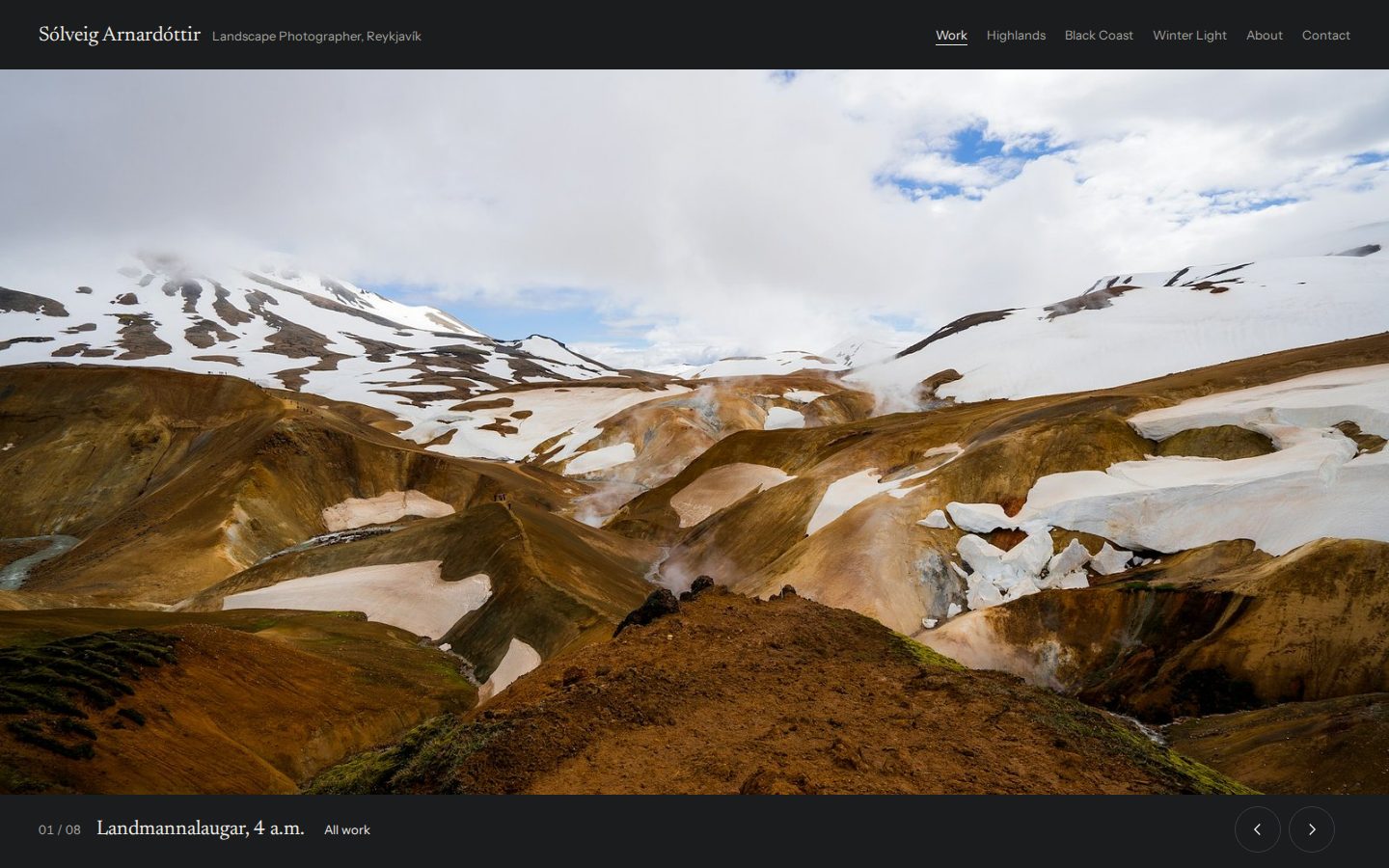
Yes, this is us, so read this one with a pinch of salt. We built Semirare because the other options felt like too much: too many settings, too many features we didn’t need and prices that crept up every year. You sign up, choose one of 40 themes made for images, upload your work and you’re live. You can switch themes at any time and your works stay where they are.
Good: genuinely free for up to 12 works, with your own domain even on the free plan. One of the lowest prices for unlimited works. No ads, and you can export everything in one ZIP.
The catch: it only does portfolios. There’s no online shop, blog or booking system. If you need those, look at Squarespace or Format.
2. Squarespace: best if you also need a shop
- Best for
- Artists who sell a lot online or run workshops and bookings
- Price
- About $16 / month billed yearly, $25 monthly
- Free plan
- No, 14-day trial
Squarespace is the polished all-rounder. The templates are handsome, the editor is solid, and the online shop, bookings and email newsletter all come from the same place. If selling prints or originals is a big part of your income, it’s a strong choice.
Good: reliable, well designed, and it can grow into a full business website.
The catch: the templates are built for businesses, so you’ll spend time turning a café template into a gallery. There’s no free plan, only a 14-day trial. More on this in Semirare vs Squarespace.
3. Format: made for photographers
- Best for
- Working photographers who need client galleries and print sales
- Price
- $10 / month billed yearly, $14 monthly
- Free plan
- No, 14-day trial
Format is built around photographers, and it shows: client proofing galleries, a print store without commission and tidy, image-first templates.
Good: everything a working photographer needs, in one place.
The catch: paying monthly costs a lot more than paying yearly, and the templates are mostly aimed at photography. Painters and illustrators may find it less of a fit. Semirare vs Format.
4. Cargo: for designers who like to tinker
- Best for
- Graphic designers and experimental artists who want a unique layout
- Price
- About $14 / month billed yearly, $19 monthly
- Free plan
- You can build for free, but publishing needs a paid plan
Cargo has a cult following among designers, and for good reason. The freeform editor lets you build almost anything, and the community templates are some of the most interesting on the web.
Good: creative freedom, custom code and a site that doesn’t look like anyone else’s.
The catch: that freedom takes time to learn, and freeform layouts can behave oddly on phones. You can build for free, but you have to pay before you can publish. Semirare vs Cargo.
5. Adobe Portfolio: “free” if you already pay Adobe
- Best for
- Photographers and designers already on a Creative Cloud plan
- Price
- $14.99 / month, only as part of a Creative Cloud plan
- Free plan
- No. Needs a paid Creative Cloud plan
If you use Lightroom or Photoshop every day, you already have Adobe Portfolio. It syncs with Lightroom albums and Behance projects, which saves time.
Good: no extra cost if you’re already subscribed, and quick to set up.
The catch: your site only lives as long as your Creative Cloud subscription does. There are only a few layouts, and they haven’t changed much in years. Semirare vs Adobe Portfolio.
6. Wix: total control, lots of settings
- Best for
- People who want to drag every element exactly where they want it
- Price
- Light plan; prices vary by country
- Free plan
- Yes, with Wix ads and a wixsite.com address
Wix is the biggest general website builder. It has over a thousand templates and an editor that lets you move anything anywhere.
Good: huge flexibility, lots of apps, and a free plan to start.
The catch: the free plan shows Wix ads on your site, which isn’t a great look next to your work. You can’t switch templates after publishing, and pages can get heavy. Semirare vs Wix.
7. FASO: the traditional painter’s choice
- Best for
- Traditional fine artists who want newsletters and event listings built in
- Price
- About $19 / month billed yearly
- Free plan
- No, 30-day trial
FASO has been around for years and is made for painters specifically. Newsletters, show listings and a directory of FASO artists all come included.
Good: it understands painters, and the marketing tools are useful.
The catch: the templates look dated, and it costs more than most builders. Semirare vs FASO.
8. Pixpa: an all-in-one toolbox
- Best for
- Photographers who want a site, store, blog and client galleries together
- Price
- Varies by region; frequent promotions
- Free plan
- No, 15-day trial
Pixpa bundles a lot for its price: portfolio, shop, blog and client galleries.
Good: lots of features in one subscription.
The catch: image limits on cheaper plans, and prices depend on where you live and which promotion is running. Semirare vs Pixpa.
9. SmugMug and Zenfolio: for photographers with big archives
- Best for
- Photographers who store thousands of images and sell prints through a lab
- Price
- About $23.50 / month billed yearly for selling
- Free plan
- No, trial only
SmugMug is really a photo archive with a storefront: unlimited storage, lab-fulfilled print sales and client galleries. Zenfolio (from about $7 a month) is a similar idea aimed at wedding and portrait photographers.
Good: excellent for storing and selling photographs.
The catch: they feel like archives rather than curated portfolios, and SmugMug gets expensive once you want to sell. Semirare vs SmugMug.
10. Framer and Webflow: for web designers
- Best for
- Designers who work in Figma and want pixel-level control
- Price
- $10 / month billed yearly
- Free plan
- Yes, on a Framer address with a badge
These are professional design tools that happen to make websites. Framer feels like Figma, and Webflow (from $15 a month) is closer to writing code without code. Both can produce stunning sites.
Good: unlimited creative control and beautiful animation.
The catch: they’re designer tools with a real learning curve, and the cheaper plans have page limits. If you’d rather paint than learn about breakpoints, skip these. Semirare vs Framer.
11. Carbonmade and Readymag: small and characterful
- Best for
- Illustrators who want a playful look and only a few projects
- Price
- About $9.99 / month
- Free plan
- No, free trial only
Carbonmade has a friendly, playful style, but the cheapest plan caps you at 8 projects. Readymag (about $14 a month) is a canvas for editorial, magazine-like pages. It’s lovely for one-off projects, but slow going for a big body of work.
Semirare vs Carbonmade · Semirare vs Readymag
12. Behance and ArtStation: free, but not a website
- Best for
- Being discovered by other creatives, recruiters and studios
- Price
- Free
- Free plan
- Yes, a profile on behance.net
Behance (for designers and illustrators) and ArtStation (for game and film artists) are free profiles inside big creative networks. They’re great for being found, and many art directors browse them.
The catch: they aren’t your own site. Your work sits in someone else’s feed, next to suggestions for other people’s work, and you can’t use your own domain on Behance at all. Use them alongside a portfolio, and link back to it. Semirare vs Behance.
What it costs per year
Here’s what you’d pay for a year on each platform’s cheapest plan that lets you publish on your own domain, billed yearly. Monthly billing is usually more.
Two things jump out. First, the difference between the cheapest and the most expensive option is roughly $200 a year, which is real money when you’re starting out. Second, the price usually tells you who the platform is really for. The expensive ones bundle shops, storage and marketing tools. If you only need a portfolio, you’re paying for things you won’t use.
Side-by-side comparison
| Platform | Best for | Free plan | Ease | Shop |
|---|---|---|---|---|
| Semirare | Artists who want it simple | Yes, 12 works + own domain | Very easy | No |
| Squarespace | Selling online | Trial | Medium | Yes |
| Format | Photographers | Trial | Easy | Yes |
| Cargo | Experimental designers | Can’t publish | Harder | Add-on |
| Adobe Portfolio | Creative Cloud users | With CC plan | Easy | Very limited |
| Wix | Full control | Yes, with ads | Medium | Yes |
| FASO | Traditional painters | Trial | Easy | Yes |
| Pixpa | All-in-one | Trial | Easy | Yes |
| SmugMug | Photo archives | Trial | Medium | Yes, with lab |
| Framer / Webflow | Web designers | Yes, their address | Hard | Limited |
| Behance / ArtStation | Being discovered | Yes | Very easy | Limited |
For a deeper, feature-by-feature look at any of these, see all our comparisons.
How to choose in five minutes
Answer these three questions honestly:
- Do you need to sell things directly from your site? If it’s a big part of your income, go with Squarespace, or Format if you’re a photographer. If it’s occasional, a portfolio plus “email me to buy” works fine, and many galleries prefer it.
- Do you enjoy designing websites? If yes, you’ll love Cargo, Framer or Webflow. If you’d rather spend that time making your work, choose something with finished themes.
- What’s your budget? If it’s “as close to free as possible”, start on a free plan that lets you use your own domain and doesn’t show ads, and upgrade only when you outgrow it.
Whatever you pick, don’t overthink it. Your portfolio is a frame, not the painting. The platform matters far less than choosing your best work and photographing it well. If you’re starting from scratch, our guide on how to make a portfolio website walks you through the whole thing.